
[MindSpore Made Easy] Website User Guide (1) - Installation and Quick Start
MindSpore Made Easy Website User Guide (1) - Installation and Quick Start
If you are an old friend of MindSpore, you might have noticed that our website went through a few revisions recently. However, how can a newcomer start the MindSpore journey? Let's have a look.
First, open the MindSpore website (https://www.mindspore.cn/en). You see the homepage:
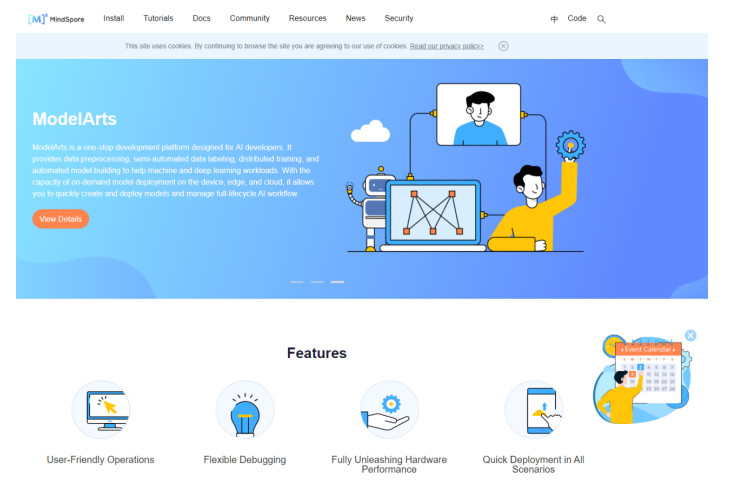
The scrolling banner in the middle shows the latest MindSpore updates and events. If you are interested, click to view and join.
Below the scrolling banner are the feature highlights of MindSpore, including the advantages, community achievements, tutorials for common scenarios, latest videos and news, open source cooperation, and partner introduction. You can keep scrolling down the page until you will see the latest videos. The hands-on tutorial series has served as an important reference to get started.
MindSpore Installation
As a beginner, the first step is to download MindSpore, but how to download it?
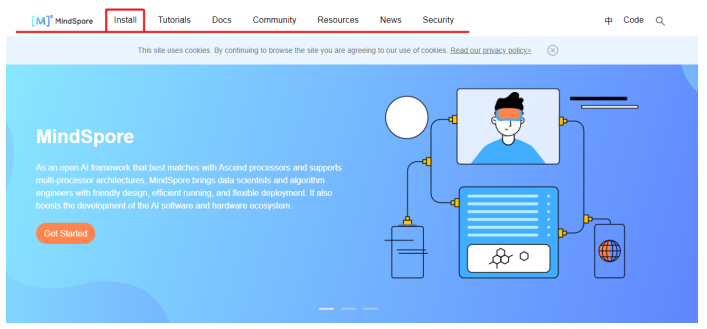
From the navigation bar at the top, click Install to enter the installation guide.
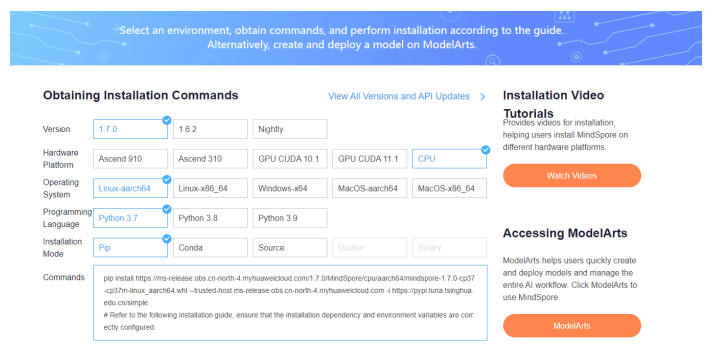
Choose your hardware environment to obtain the corresponding installation command and installation guide. If the version you want to install does not support your hardware environment, don't hesitate to try out the latest version, which is applicable to a wider range of operating systems and programming languages. If you have other questions or want to learn from typical installation cases, the hands-on tutorial series includes detailed installation videos. Click the installation guide video on the right of the command or visit this link:
Alternatively, you can click the hands-on tutorial series on the lower part of the homepage, or choose Resources > Courses & Certification > Beginners > Hands-on Tutorial > Installing MindSpore from the navigation bar.
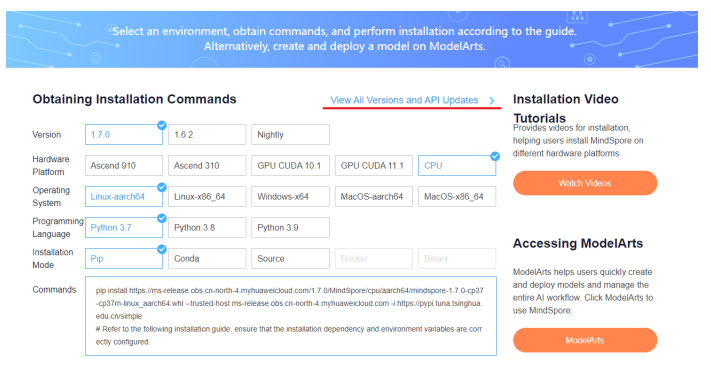
If you want to try earlier versions, click here to view all versions and API changes.
MindSpore 1.7 provides the automatic installation option for you to get started faster. Go try it!
Quick Start
Congratulations you have installed MindSpore. Next let's explore more. You will never feel discouraged during the MindSpore journey.
The Tutorials tab on the navigation bar will bring you to the tutorials, from basic to advanced topics.
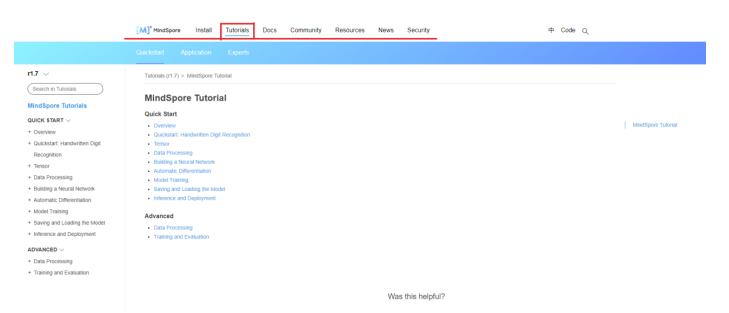
You can select a basic tutorial that suits your need or learn the advanced tutorials below. In each tutorial, the link below the title allows you to download the Notebook file and the sample code used in the file. With these resources, you can read the tutorials offline or directly run the code. Getting started has never been easier.
After learning the basics, advanced tutorials are available if you want to go further.
The hands-on tutorial series also includes videos that demonstrate the installation and usage of MindSpore. The videos are available at Home > Latest Videos > Hands-on Series or Resources > Course Certification > Elementary Courses > Hands-on Series.
In future articles, we will talk about other parts of the MindSpore website.
We in the MindSpore community are trying our best to make MindSpore and the website easy to use. You are welcome to provide suggestions and feedback to the community.